You've got a big event coming up.
A conference. A summit. Maybe a church service or a private corporate gathering.
And someone , maybe you , said the magic words: "We should livestream this."
Great idea. Except now you're staring down a checklist that seems to grow by the hour. Cameras. Microphones. Platforms. Bandwidth. Backup plans. And that nagging feeling that something's going to go wrong in front of hundreds (or thousands) of people.
Here's the truth: event livestreaming services can make or break your brand's reputation.
Do it right, and you look like a polished, professional operation that knows how to show up.
Do it wrong, and… well, we've all seen those cringe-worthy streams with frozen screens, robot voices, and audio that sounds like it's coming from inside a tin can.
Let's make sure you're in the first camp.
Why Livestreaming Your Event Actually Matters
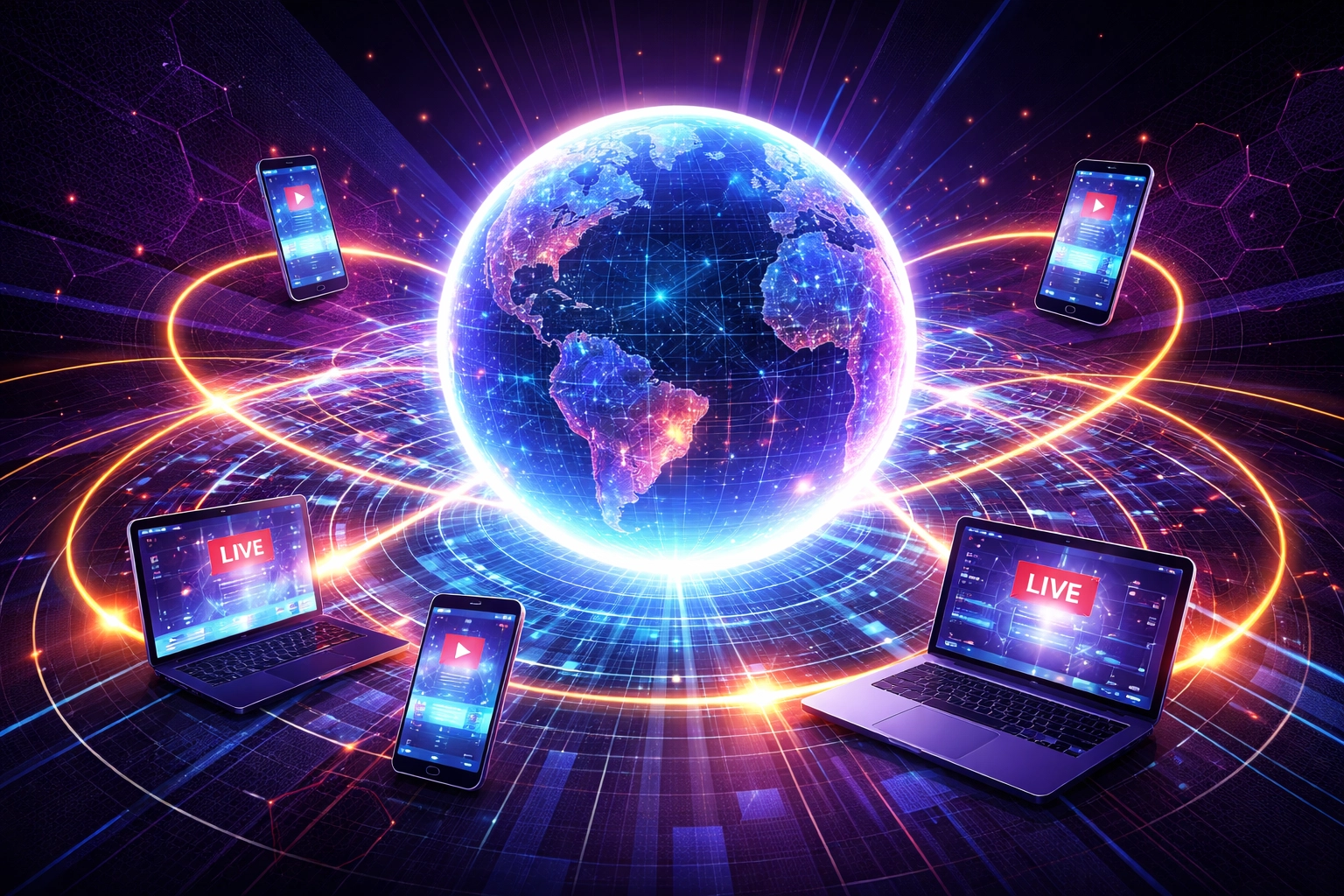
It's 2026. Your audience isn't just in the room anymore.
They're on their phones during lunch breaks. They're halfway across the world. They're watching from home because life got in the way.
Livestreaming isn't a "nice to have." It's how you multiply your reach without multiplying your venue costs.
Think about it:
- A local church can reach members who are traveling or homebound.
- A business summit can attract sponsors who want global exposure.
- A private event can include VIP guests who couldn't fly in.
The event happens once. But with livestreaming, the impact keeps going.
The "Creative Chaos" Nobody Warns You About
Here's what most guides don't tell you.
Livestreaming isn't just about plugging in a camera and hitting "Go Live."
It's about managing creative chaos in real time.
The speaker who goes off-script. The Wi-Fi that hiccups at the worst moment. The lighting that looked fine in rehearsal but now makes everyone look like ghosts.
This is where most DIY livestreams fall apart.
Not because the team didn't care. But because livestreaming is a live production , emphasis on live. There's no "undo" button. No second take.
That's exactly why organizations trust professional event livestreaming services to handle the chaos so they can focus on the actual event.
Step 1: Define What Success Looks Like
Before you book a single piece of equipment, ask yourself:
What's the goal here?
- Are you trying to expand your audience reach?
- Generate leads for your business?
- Create an archive of content for future use?
- Engage remote attendees in real time?
Your answer shapes everything , the platform you choose, the crew you need, the level of interactivity you build in.
A corporate summit focused on lead generation needs different features than a church service focused on community connection.
Get clear on this first. Everything else follows.
Step 2: Choose the Right Platform (And No, They're Not All the Same)
YouTube Live. Vimeo. Zoom. Facebook Live. Custom RTMP solutions.
The options are endless. And overwhelming.
Here's what actually matters when picking a platform:
📌 Audience size : Can it handle your expected viewers without crashing?
📌 Interactivity : Do you need polls, Q&A, breakout rooms?
📌 Security : Is this a private event that needs password protection?
📌 Branding : Can you customize the look to match your organization?
📌 Device compatibility : Will it work on phones, tablets, and laptops?
Don't just pick the platform you've heard of. Pick the one that fits your event.
Step 3: Invest in the Right Equipment (Audio Is King)
Here's a secret most people learn the hard way:
Bad video is forgivable. Bad audio is not.
Viewers will tolerate a slightly grainy picture. They will not tolerate muffled voices, echo, or that weird robot sound when the connection drops.
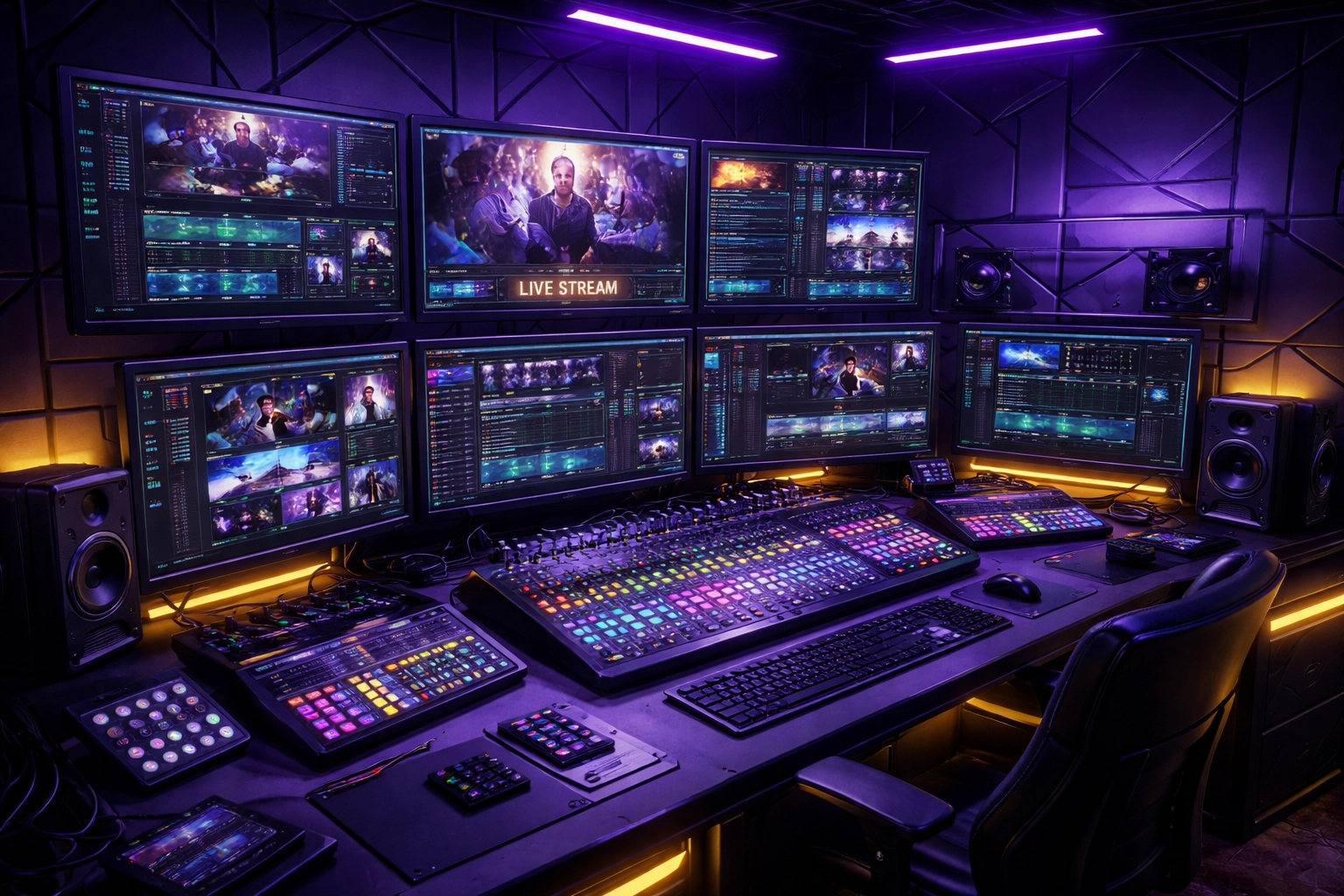
Priority list for equipment:
- Quality microphones : Lapel mics for speakers, shotgun mics for panels.
- Reliable cameras : At least 1080p, ideally 4K for that crisp, professional look.
- Proper lighting : Soft, even lighting that doesn't wash anyone out.
- Stable internet : Hardwired ethernet beats Wi-Fi every single time. Always.
And here's the kicker: even the best equipment needs someone who knows how to use it.
Step 4: Build Your Livestream Team
You can't do this alone. Not well, anyway.
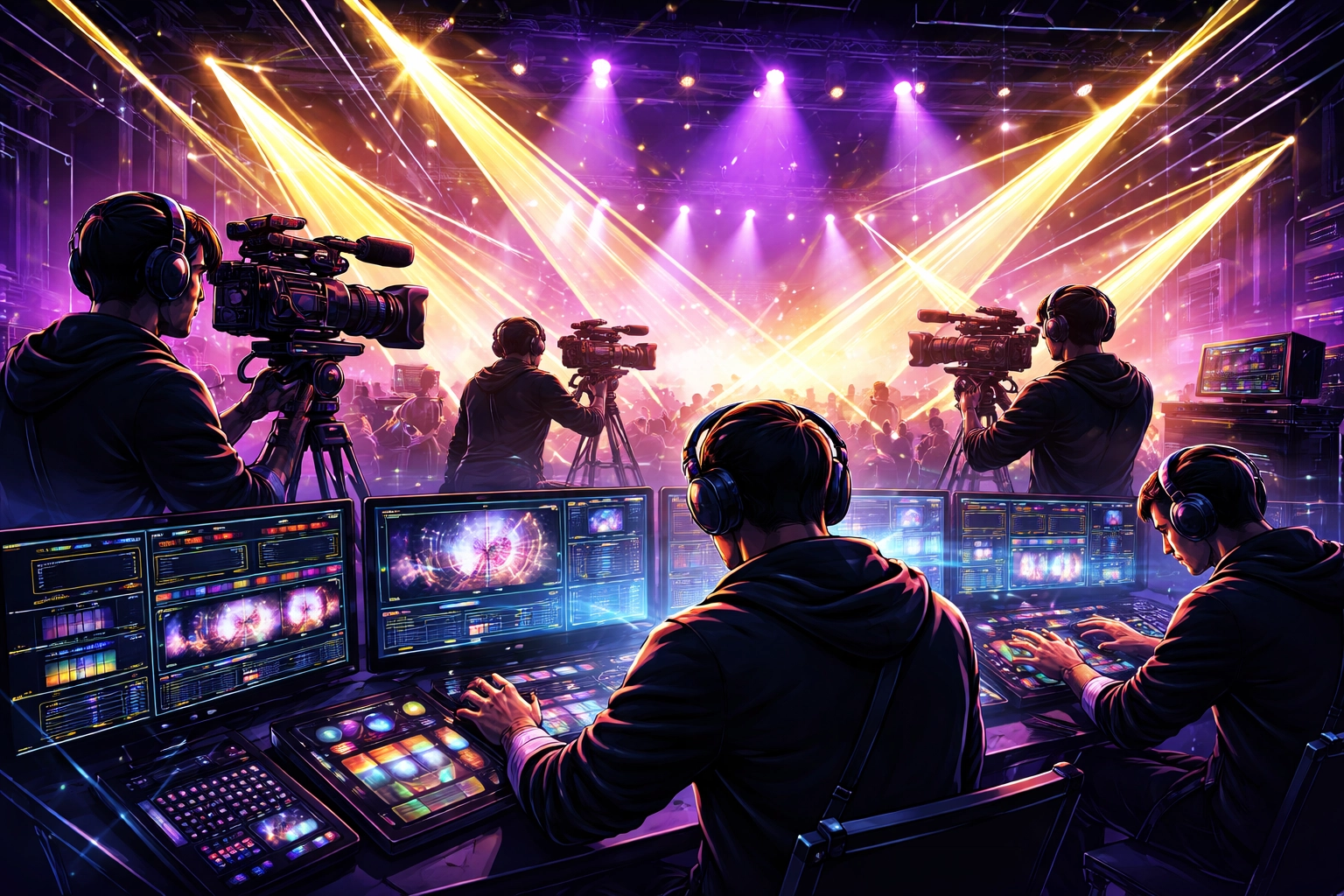
A professional livestream crew typically includes:
- Stream technician : Manages the feed, troubleshoots issues in real time, keeps everything running.
- Audio engineer : Monitors sound levels, adjusts mics, prevents disasters.
- Camera operator(s) : Captures dynamic angles, follows speakers, keeps visuals interesting.
- Emcee or host : Keeps the energy up and bridges transitions smoothly.
- Moderator : Engages the remote audience, manages Q&A, filters chat.
This is where partnering with a team like XStream makes a difference. We've handled conferences, summits, church services, and private events : and we know how to assemble the right crew for your specific needs.
Step 5: Test Everything. Then Test It Again.
You'd be shocked how many livestream failures come down to one thing:
Nobody tested it beforehand.
Here's your pre-event checklist:
- Run a full test stream at least 48 hours before the event.
- Use the exact same equipment, software, and internet connection you'll use on the day.
- Test with both on-site and remote speakers.
- Check the stream on multiple devices : phones, tablets, laptops.
- Have a backup plan for everything: backup internet, backup streaming platform, backup equipment.
Because Murphy's Law is real. And it loves livestreams.
Step 6: Engage Your Audience Like They're in the Room
Here's where most livestreams miss the mark.
They treat remote viewers like an afterthought. A passive audience watching through a window.
Don't do that.
Your remote audience should feel like they're part of the experience, not just observers.
How?
- Polls and quizzes : Get them clicking, participating, leaning in.
- Live Q&A : Let them ask questions that actually get answered.
- Chat moderation : Acknowledge comments, shout out viewers, make them feel seen.
- Downloadable materials : Give them slides, resources, something tangible.
The goal is a "lean-forward" experience. Not a "lean-back and scroll on my phone" experience.
Step 7: Monitor in Real Time (And Be Ready to Pivot)
Once you're live, the work isn't over. It's just different.
Your team should be monitoring:
- Video quality : Is it crisp? Is there lag?
- Audio levels : Is anyone too quiet? Too loud? Echoing?
- Audience engagement : Are viewers dropping off? Are they participating?
- Technical metrics : Buffering issues, device breakdowns, connection strength.
Real-time analytics let you pivot on the fly. If engagement drops, maybe it's time for an interactive poll. If audio spikes, the engineer can adjust before it becomes a problem.
This is the difference between a good livestream and a great one.
After the Event: Your Content Goldmine
Here's the bonus most people forget.
That livestream you just produced? It's not gone when the event ends.
It's a content goldmine.
- Repurpose highlights for social media clips.
- Share the full recording for attendees who missed it.
- Use snippets in future marketing campaigns.
- Archive it as a resource for your community.
One event. Endless content opportunities.
Ready to Livestream Like a Pro?
Look, we get it.
Event livestreaming can feel overwhelming. There are a hundred things that can go wrong : and when you're focused on running the actual event, the last thing you need is technical stress.
That's where we come in.
At XStream, we handle the creative chaos so you don't have to. From conferences and summits to church services and private events, we bring the gear, the crew, and the expertise to make your livestream look effortless.
Because your audience deserves more than a shaky webcam and crossed fingers.
Ready to talk? Let's connect and make your next event unforgettable ( for everyone watching, wherever they are.)